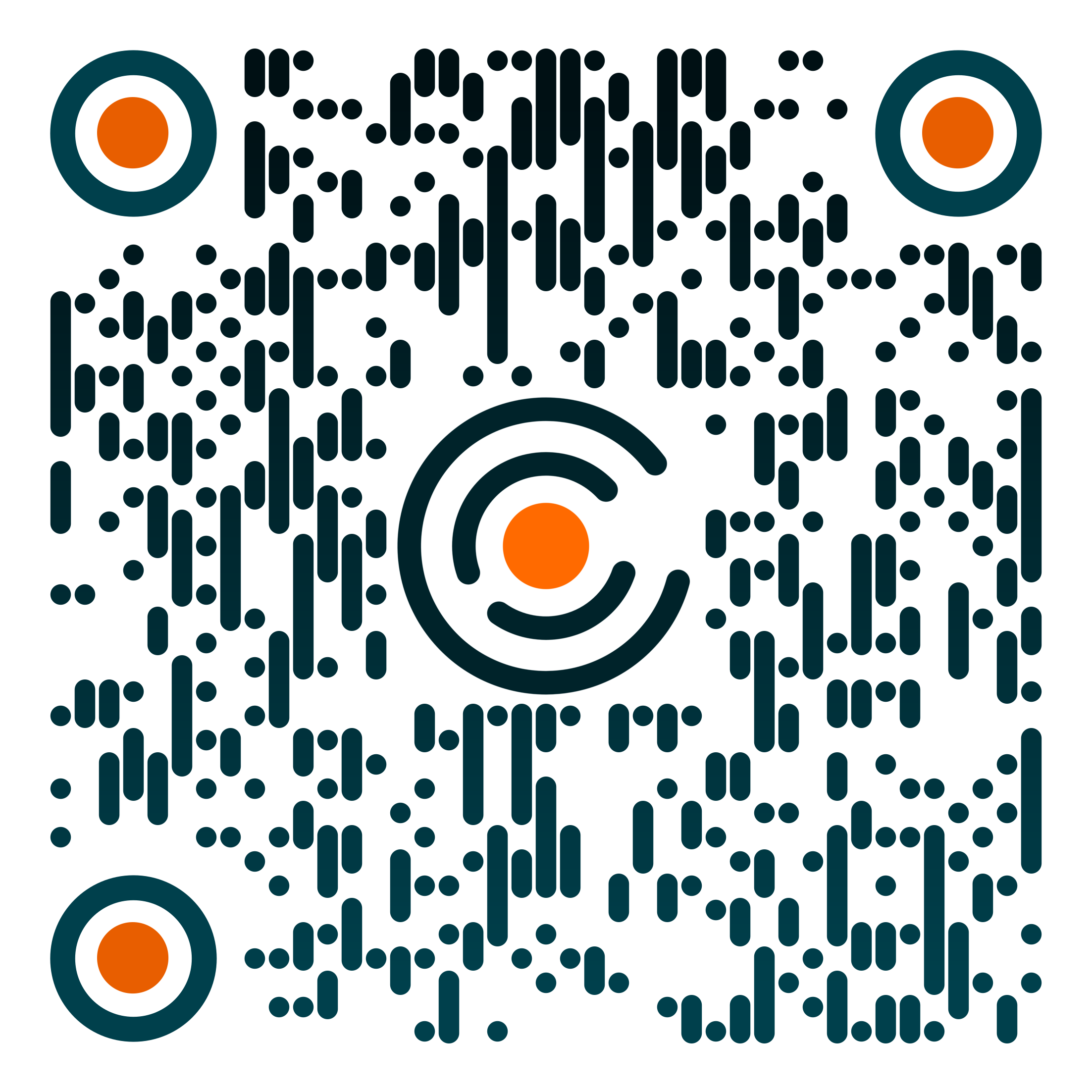
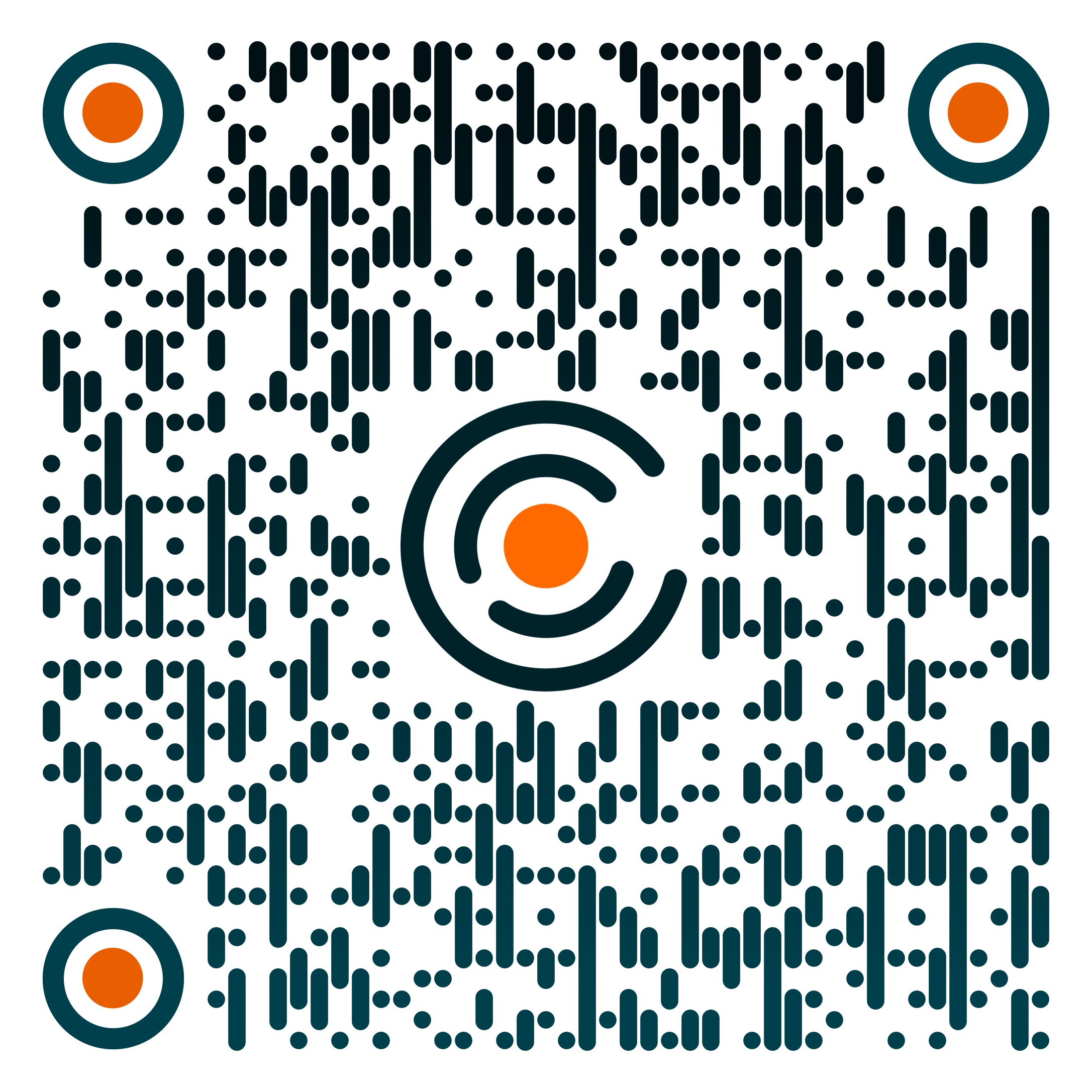
Scan to install
Severe-weather alerts for your site, in your pocket, wherever the shift takes you.
Install from the App Store or Google Play using the buttons or QR codes above.
Sign in with your PartlyCloudy account. Your sites and crews are already there.
Accept the notification prompt so alerts reach you the moment they're issued.
Choose your site and the alert types you want on this device. Done.